
How to Use an AI Agent as Your DevOps On-Call (So You Can Sleep)
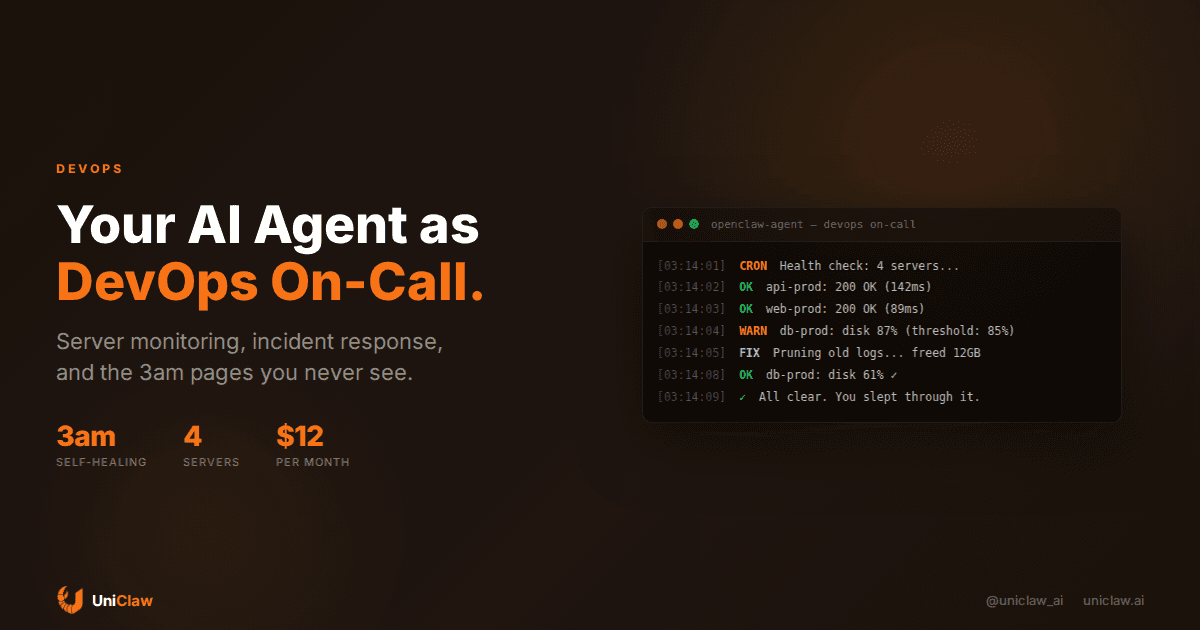
Something breaks at 3am. Your phone buzzes. You squint at a PagerDuty alert, pull up a laptop, SSH into a box, and spend 45 minutes discovering that a log directory ate the disk. Again.
Nobody romanticizes this part of running software. Not the architecture, not the deployment pipeline, not the clever abstractions. Just a human getting woken up because a number crossed a threshold.
I've been running an AI agent as my primary on-call responder for about four months now. Not a monitoring dashboard. Not a Slack bot that pings me with red charts. An actual agent that SSHes into servers, reads logs, makes decisions, and fixes things while I sleep.
What "on-call agent" actually means
"AI for DevOps" can mean anything from a chatbot that summarizes Datadog charts to a fully autonomous SRE. What I'm describing sits somewhere in the middle.
The agent runs on its own machine, a UniClaw instance, in my case. Every few minutes, it checks a list of servers and services. It doesn't just ping endpoints. It SSHes in, checks disk space, memory, CPU, process counts, log sizes, certificate expiration. The whole boring checklist that you'd otherwise write a dozen Nagios rules for.
When something looks off, it tries to fix it. When it can't, it messages me with context. Not just "disk full" but "disk full because postgres WAL files grew to 34GB, probably because replication lag hit 12 minutes, here's the relevant log snippet."
That's the difference between a monitoring tool and an agent. Monitoring tells you something is wrong. An agent tells you why and often fixes it before you notice.
The setup is simpler than you'd expect
You don't need a custom framework. An OpenClaw agent with SSH access and a few scheduled jobs covers 80% of it.
Schedule your agent to run a health check every 5-15 minutes. It SSHes into each server, runs through the checklist (disk, memory, CPU, service status, recent error logs), and either stays quiet or takes action.
Create a dedicated SSH key pair for the agent. Give it read access to logs, system stats, and specific maintenance commands. Not root. Never root. I learned this one the paranoid way, and I don't regret it.
Then define what the agent handles alone versus what needs a human. Pruning old logs? Do it. Restarting a service after three failed health checks? Probably fine. Rolling back a deployment? Wait for me.
The agent sends updates through whatever chat app you already use. Telegram, Slack, Discord. Quiet when things are normal. Detailed when they aren't.
What it actually catches
In four months, rough tally of incidents the agent handled without waking me up:
Disk space issues, 11 times. Mostly log rotation failures and temp files nobody cleaned up. The agent prunes old logs when disk crosses 80%. This used to be my most common 3am page. Kind of embarrassing that it took an AI to make me stop ignoring logrotate configs.
SSL certificate near-expiration, 3 times. Checks cert expiry daily and renews via certbot within 7 days of expiration. I set this up after letting a cert lapse on a Friday evening. Once was enough.
Zombie processes, 7 times. Workers that hung and stopped processing. The agent detects stale PIDs and restarts the service.
Memory leaks from one specific Node.js service, 4 times. It slowly leaks memory over about a week. The agent watches RSS and gracefully restarts the process at a threshold. Yes, I should fix the leak. No, I haven't. The agent's workaround is good enough that it keeps falling to the bottom of my backlog, which is both a win and a problem.
Database connection pool exhaustion, twice. Idle connections piling up. The agent noticed and cleaned them.
Total: 27 incidents handled automatically. Roughly one every four or five days. Most of them between midnight and 6am, because of course.
Where it falls apart
The agent is bad at judgment calls. If a deployment fails health checks, it tells me, but it won't roll back on its own. Too many edge cases. Maybe the health check endpoint changed. Maybe the new version needs a migration to finish. Maybe the rollback itself causes data loss. This is "ask a human" territory, and I want it to stay that way.
Novel problems are hard too. If something breaks in a way the agent hasn't encountered, it falls back to gathering logs, identifying the service, and dumping context into a message for me. Still saves 10-15 minutes of initial triage, but it's not fixing anything on its own.
Network issues are the trickiest. If the connection to a server drops, is the server down or is the route flaky? I spent a frustrating week tuning this before adding a second check path. Now the agent confirms from two directions before declaring anything dead.
What it costs
Running the whole setup:
- Agent hosting: $12/month (UniClaw dedicated machine)
- AI model costs: $30-60/month depending on check frequency (Claude Sonnet for analysis, Haiku for simple pings)
- Total: roughly $50-70/month
Compare that to a PagerDuty seat ($21-49/month) plus whatever you value your 3am sleep at. I still run Grafana dashboards and basic alerts as a safety net. But the agent handles first response for routine stuff, and routine stuff is 80% of what wakes you up.
Building this yourself
If you want to set it up on a UniClaw agent, here's the path I'd follow:
Write an SSH skill. A SKILL.md file that teaches your agent which servers to connect to and what to check. Include the actual commands for your stack: df -h, free -m, systemctl status, journalctl --since "10 minutes ago". Be specific.
Write your runbook. Every incident you've handled in the last 6 months, write the fix as commands. "If disk usage on /var/log exceeds 80%, delete .log.gz files older than 7 days." This becomes the agent's playbook. You'll be surprised how many of your incidents follow the same three or four patterns.
Schedule health checks with cron. OpenClaw has built-in cron scheduling. Start with basic checks every 10 minutes and add more as you discover what breaks. Don't over-engineer it on day one.
Set escalation tiers. What the agent does silently, what it does and reports, what it asks about first. When you're unsure about a category, make it ask. You can loosen the leash later.
Let it run and tune. The first week will be noisy. It'll flag things that don't matter and miss things that do. This is normal, same thing happens with any new monitoring setup. The difference is the agent can explain its reasoning, so tuning the thresholds goes faster than tweaking Prometheus alert rules.
The part I didn't expect
The thing that actually changed after a few months isn't the sleep, though that's nice. It's how I think about infrastructure problems.
Before the agent, when something kept breaking, I'd think "I need to fix this." Now I think "I need to teach the agent how to fix this." Which sounds like the same thing, but it forces me to write out the actual steps, think about failure modes, and decide what should never be automated. The runbooks end up as documentation. The documentation stays current because the agent uses it.
After a couple months of uninterrupted sleep, going back to manual on-call felt wrong. Like hand-washing laundry when there's a machine sitting there.
If your current on-call setup is "hope nothing breaks overnight," try spending an hour teaching an agent what to check. Start at uniclaw.ai. The $12/month plan gets you a dedicated machine, SSH, cron, and messaging integrations. Your servers are already telling you what's wrong. You just need something listening at 3am.
Ready to deploy your own AI agent?
Get Started with UniClaw