
How to Let an AI Agent Query Your Database (Without Wrecking Everything)
How to let an AI agent query your database (without wrecking everything)
Sooner or later, every AI agent project hits the same wall: your agent can read files, send messages, and browse the web, but it can't answer "how many users signed up this week?" because it has no idea your database exists.
Giving an agent database access sounds terrifying. It should make you a little nervous. A DROP TABLE users from an overeager language model would ruin anyone's Tuesday. But the risk is manageable if you set things up right, and the payoff is real. An agent with SQL access can answer ad-hoc business questions in seconds, generate reports on a schedule, spot anomalies in your data before you notice them, and pipe findings straight into Slack or email without you lifting a finger.
Here's how to wire it up safely and what to watch out for.
Why bother?
Most teams already have dashboards. Metabase, Grafana, Looker, whatever. The problem isn't that the data is inaccessible. The problem is that dashboards answer the questions you thought to ask last month. They don't answer "hey, which customers with over $10K in annual spend haven't logged in for 30 days?" at 9am on a Thursday because a sales rep pinged you in Slack.
An agent with database access becomes a team member who happens to know SQL. You ask questions in plain English. It writes the query, runs it, gives you the answer. If the answer needs a chart, it makes one. If it requires action, it drafts the follow-up.
Question in, answer out, no context-switching to a BI tool. That speed difference compounds when you're making dozens of small data-driven decisions per week.
The read-only rule (seriously, do this)
Before anything else: create a read-only database user. This is the single most important step, and it's where most people start cutting corners.
CREATE USER agent_readonly WITH PASSWORD 'your-secure-password';
GRANT CONNECT ON DATABASE yourdb TO agent_readonly;
GRANT USAGE ON SCHEMA public TO agent_readonly;
GRANT SELECT ON ALL TABLES IN SCHEMA public TO agent_readonly;
ALTER DEFAULT PRIVILEGES IN SCHEMA public
  GRANT SELECT ON TABLES TO agent_readonly;
That's it for Postgres. MySQL, SQLite, and others have their equivalents. The point: your agent should never have INSERT, UPDATE, or DELETE permissions unless you've thought very hard about why and added guardrails on top.
"But what if my agent needs to write data?" We'll get to that. Start with read-only. You can always expand permissions later. You can't un-delete a production table.
How to connect: MCP servers are the cleanest path
The easiest way to give an AI agent database access in 2026 is through MCP (Model Context Protocol) servers. If you're using OpenClaw or a similar agent framework, you can drop in a Postgres MCP server and your agent gains SQL tools without any custom code.
A typical setup in your MCP config:
{
  "mcpServers": {
    "postgres": {
      "command": "npx",
      "args": ["-y", "@modelcontextprotocol/server-postgres"],
      "env": {
        "DATABASE_URL": "postgresql://agent_readonly:password@host:5432/yourdb"
      }
    }
  }
}
Once connected, the agent gets tools like query that accept SQL strings and return results. The agent doesn't need to know your connection details. It doesn't need a driver or ORM. It asks the MCP server to run a query, and the server returns rows.
There are MCP servers for Postgres, MySQL, SQLite, MongoDB, BigQuery, Snowflake, and more. Most are open source. If your database doesn't have one yet, building a basic MCP server is a weekend project.
What happens in practice
Once the connection is live, interactions look something like this:
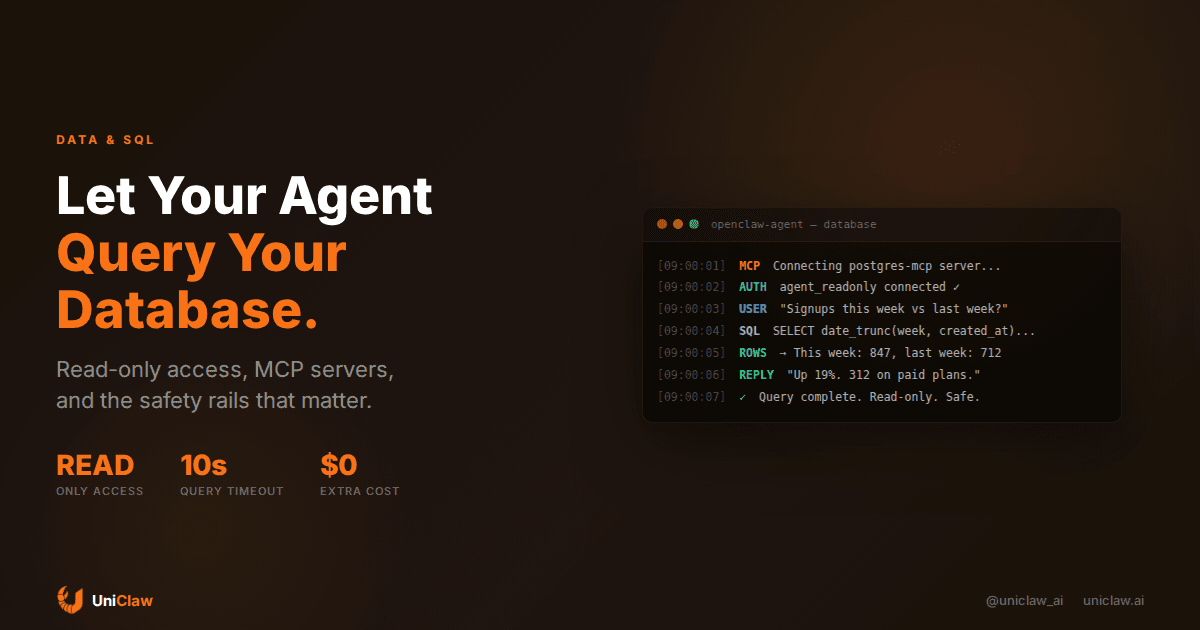
You: "How many new signups did we get this week vs last week?"
Agent: Runs SELECT date_trunc('week', created_at) AS week, COUNT(*) FROM users WHERE created_at > now() - interval '14 days' GROUP BY week ORDER BY week; and tells you: "847 this week vs 712 last week, up 19%."
You: "Which of those are on the paid plan?"
Agent: Runs a follow-up query joining the subscriptions table: "312 paid this week, up from 258. Conversion rate went from 36.2% to 36.8%."
This back-and-forth feels obvious once you've used it, but it's a different experience from running queries yourself. The agent maintains conversational context. It remembers the previous question and scopes the follow-up. It translates raw numbers into something readable. No context-switching between a chat window and pgAdmin.
Schema exposure: tell your agent what the tables look like
Agents don't magically know your database schema. If you point an agent at a database and say "how many active users do we have," it'll either guess wrong or ask you to clarify.
The fix: give it schema context. Some MCP servers expose schema introspection tools automatically. If yours doesn't, you can provide a schema summary in a reference file the agent reads on startup.
A stripped-down schema doc works fine:
## Database: main app (Postgres)

users: id, email, name, created_at, last_login_at, plan (free|pro|enterprise)
subscriptions: id, user_id, plan, status (active|cancelled|past_due), started_at
events: id, user_id, event_type, properties (jsonb), created_at
invoices: id, user_id, amount_cents, status, paid_at
That's enough for an agent to write correct queries 90% of the time. You don't need full DDL. You need column names, types for anything non-obvious, and enum values.
The write access question
Eventually someone on your team will want the agent to write data. Update a status field, insert records into a tracking table, flip a feature flag.
My advice: resist this for as long as you can. Read-only access covers 80% of the value. The remaining 20% comes with outsized risk.
If you genuinely need write access, use a controlled pattern:
- Separate database user with write permissions on specific tables only. Never the whole database.
- Require approval. The agent drafts the SQL mutation, shows it to you, and waits for your go-ahead before executing. OpenClaw's exec approval system can enforce this automatically.
- Log everything. Every write query should be recorded with a timestamp, the approving user, and the full SQL.
- Set row limits.
UPDATE ... LIMIT 1by default. Require explicit confirmation for bulk operations.
This sounds like a lot of friction. That's the point. Write operations should have friction. Reads are free to explore. Writes change state.
Mistakes I keep seeing
Connecting with the app's main database credentials. This gives the agent the same permissions your application has, which typically means full read-write on everything. If the agent hallucinates a query or misinterprets an ambiguous request, the damage radius is your entire database.
No query timeout. A badly-written query can lock tables or eat all available memory. Set a statement timeout on the agent's database user:
ALTER USER agent_readonly SET statement_timeout = '10s';
Ten seconds is generous for any ad-hoc query. If it takes longer, the query probably needs a better index, not more patience.
Exposing sensitive columns. Your users table probably has hashed passwords, SSNs, or payment tokens. The read-only user should not see those. Use a view:
CREATE VIEW agent_users AS
  SELECT id, email, name, created_at, last_login_at, plan
  FROM users;
GRANT SELECT ON agent_users TO agent_readonly;
Five minutes of work that prevents your agent from accidentally dropping password hashes into a Slack message.
Skipping connection limits. Set a pool limit for the agent user. Two or three concurrent connections is plenty. You don't want a runaway loop opening 50 connections and starving your application.
ALTER USER agent_readonly CONNECTION LIMIT 3;
Running reports on a schedule
On-demand queries are nice. But the real productivity gain comes from scheduled reports. Set up a cron job that runs daily or weekly, and your agent becomes a reporting system that writes itself.
A Monday morning report might look like this:
"Query the database for: new signups last 7 days, revenue change vs previous week, top 5 features by usage. Format as a brief summary. Post to #metrics in Slack."
The agent writes the queries, runs them, formats the results, and delivers the report. If numbers look weird, it flags them. You get a consistent weekly pulse without maintaining a separate reporting pipeline or bugging the data team.
On UniClaw, you'd set this up as a cron job through your agent's configuration. The agent runs in an isolated session, queries the database, and posts the summary wherever you want. Total setup: about ten minutes.
What about NoSQL?
Everything above applies to SQL databases because that's where most structured business data lives. But agents work fine with MongoDB, Redis, or any other data store that has an MCP server or API.
The principles are the same: read-only by default, limited permissions, query timeouts, no exposure of sensitive fields. The syntax changes. The discipline doesn't.
For document databases, give the agent example documents alongside collection descriptions so it understands the shape of your data. MongoDB's flexible schema is great for developers but tricky for agents that need predictable structures to query against.
Getting started in ten minutes
If you want to try this with an existing agent:
- Create a read-only database user (the SQL above works for Postgres).
- Add a Postgres MCP server to your agent's config.
- Write a one-paragraph schema summary and save it where your agent can find it.
- Ask your agent a question about your data.
That's the whole setup. No custom code, no new infrastructure, no BI tool subscription. Just an agent, a read-only connection, and a conversation.
If you're on UniClaw, the MCP server config goes in your agent's settings, and the database connection stays inside your agent's encrypted tunnel. Your data doesn't pass through any third party other than the model API, and even that only sees the query text and results, not your raw database.
Worth the ten minutes
Giving an AI agent database access isn't reckless. Giving it unrestricted database access is reckless. A read-only user, a statement timeout, column restrictions, and a connection limit. That's the whole security setup for the vast majority of use cases.
The agent doesn't replace your data team. It handles the ad-hoc questions that pile up in Slack threads and go unanswered because everyone's busy with their actual projects. It runs the recurring reports someone always forgets. It turns "can someone check the numbers?" into a five-second conversation instead of a fifteen-minute interruption.
Start with read-only and one question. You'll add more once you see what's possible.
UniClaw gives your AI agent a dedicated cloud machine with encrypted tunnels, zero open ports, and full MCP support, starting at $12/month. Connect your database, ask your first question, and see what your agent can do with real data.
Ready to deploy your own AI agent?
Get Started with UniClaw