
5 Things Your AI Agent Can Do While You Sleep
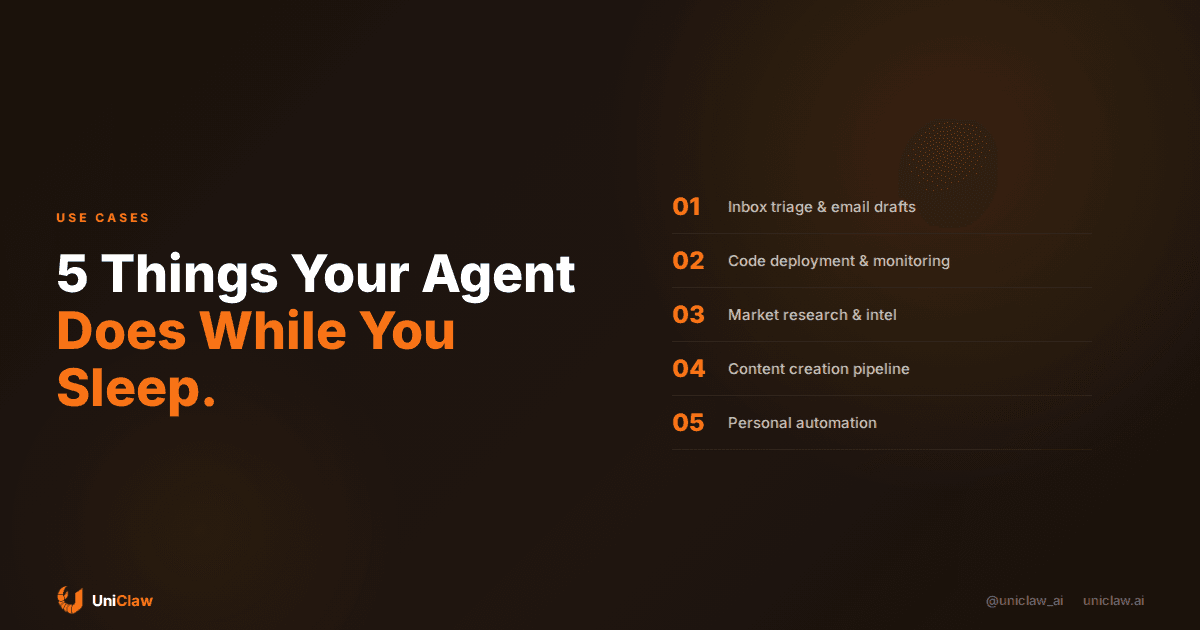
The whole point of an AI agent is that it works when you don't. Not a chatbot that waits for your next message — a persistent agent that runs 24/7 on its own machine, checking, building, and organizing while you're asleep, in meetings, or just living your life.
Here are five things people are actually doing with always-on AI agents in 2026.
1. Inbox Triage and Email Drafts
Your agent checks your email every 30 minutes. By the time you wake up:
- Urgent emails are flagged and you get a notification
- Routine emails have draft responses ready for your review
- Newsletters and marketing are summarized in a daily digest
- Action items are extracted and added to your task list
You don't read 50 emails. You review 5 drafts and approve them.
The key here is that agents don't just filter — they understand context. Your agent knows your projects, your team, your priorities. It triages based on meaning, not keywords.
2. Code Deployment and Monitoring
For developers, an always-on agent is a game-changer:
- Deploy on command — message your agent "deploy the latest changes to staging" from your phone
- Monitor deployments — agent checks health endpoints and alerts you if something breaks
- Run test suites — schedule nightly test runs and get results in the morning
- Dependency updates — agent checks for security vulnerabilities and creates PRs
One developer told us: "I push code before dinner. By morning, my agent has deployed it, run the tests, and left me a summary of what passed and what didn't."
3. Market Research and Competitive Intelligence
Tell your agent what to track, and it does the rest:
- Monitor competitor websites for pricing changes, new features, or blog posts
- Track social media mentions of your brand, competitors, or industry keywords
- Aggregate news from multiple sources into a daily briefing
- Analyze trends in your industry using web search and data synthesis
A founder running an AI agent on UniClaw has it check competitor pricing pages every 6 hours and alert them to any changes. That's intelligence that would take an analyst hours, running automatically in the background.
4. Content Creation Pipeline
AI agents can manage your entire content workflow:
- Research topics based on trending keywords and competitor gaps
- Write first drafts of blog posts, social media updates, or newsletters
- SEO optimization — analyze search intent, suggest headers, internal links
- Schedule publishing — prepare posts and queue them for review
The agent doesn't replace your editorial judgment. It eliminates the blank page problem. You wake up to drafts instead of nothing.
5. Personal Automation and Reminders
The small stuff adds up:
- Calendar prep — agent reviews tomorrow's meetings and prepares briefing notes
- Weather alerts — "Bring an umbrella, rain expected after 3pm"
- Project updates — check git repos for new commits, PRs, or issues
- Learning digest — agent reads articles you bookmarked and gives you summaries
- Expense tracking — parse receipt emails and log them
None of these are revolutionary individually. Combined, they save hours every week.
What You Need to Make This Work
Three requirements for an always-on AI agent:
1. A Dedicated Machine
Your agent needs its own computer that runs 24/7. Not your laptop (it sleeps), not a shared container (too restrictive). A real machine with persistent storage.
2. Connected Communication
Your agent needs to reach you. That means integration with Telegram, WhatsApp, Slack, or email so it can send you updates and receive instructions.
3. Persistent Memory
The agent needs to remember context across sessions. What projects are you working on? What did it do yesterday? What's on your schedule?
The Easiest Way to Get Started
You can set all this up yourself on a VPS — it'll take a weekend and some Linux knowledge.
Or you can use UniClaw and be up in 2 minutes:
- Dedicated cloud machine with OpenClaw pre-installed
- Telegram, WhatsApp, Discord, Slack ready to connect
- Persistent memory and file storage built in
- Starting at $12/month
The ROI is straightforward: if your agent saves you 30 minutes a day on tasks you'd otherwise do manually, that's 15 hours a month. At $12/month, that's less than a dollar per hour saved.
The Mindset Shift
The hardest part isn't the technology. It's learning to delegate to your agent.
Start by giving it one task. Just one. "Check my email every morning and send me a summary." Once you see it work reliably, you'll start thinking: "What else can I hand off?"
That's the unlock. Not a better chatbot. A digital coworker that never stops working.
Follow us on X: @uniclaw_ai
Ready to deploy your own AI agent?
Get Started with UniClaw